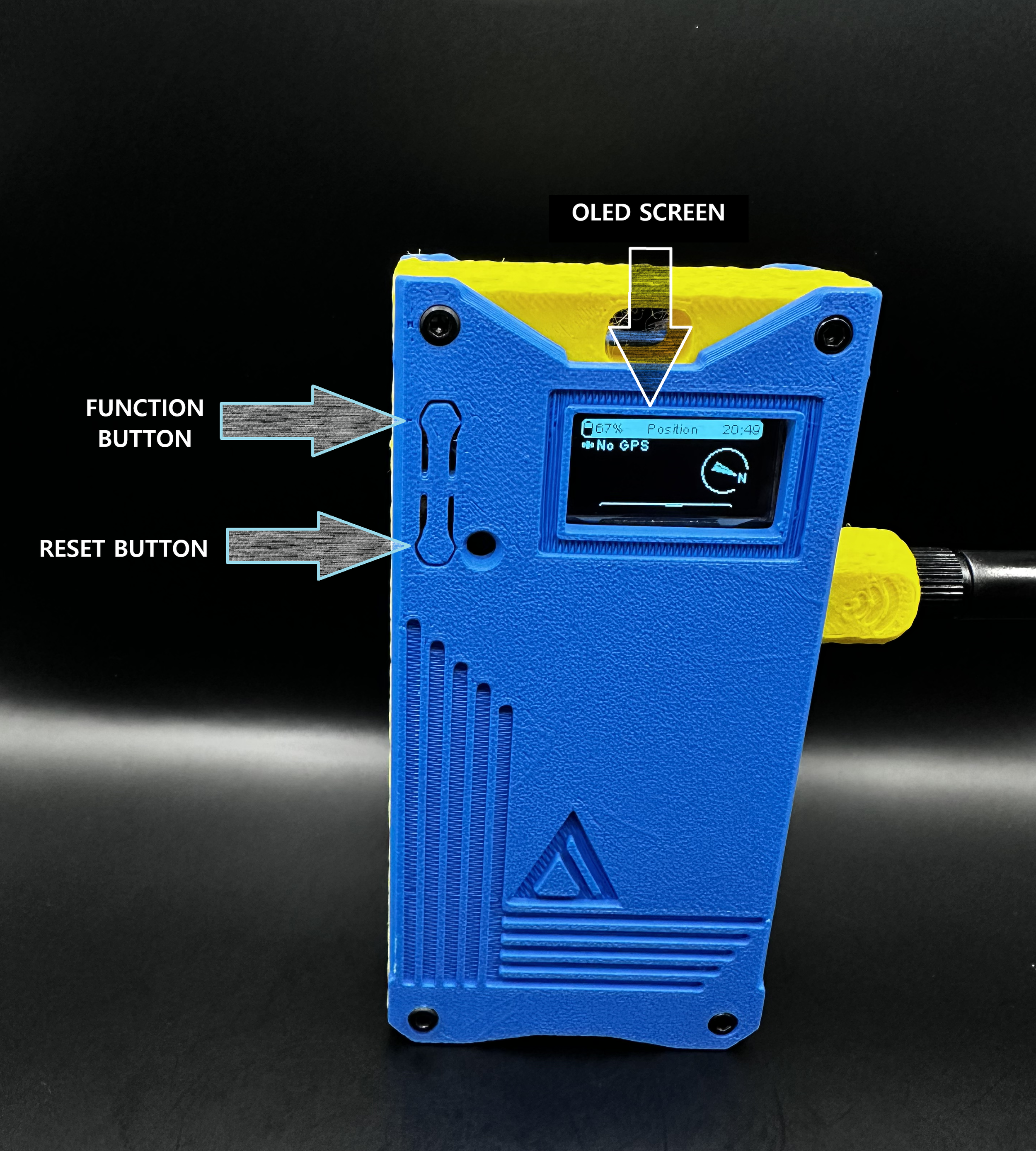
Turn on your LoRaBAR by long pressing the reset button.
Please note, the buttons on your brand new LoRaBAR faceplate will require pressure to activate. As they are pressed more, the plastic will flex and they will become easier to operate.
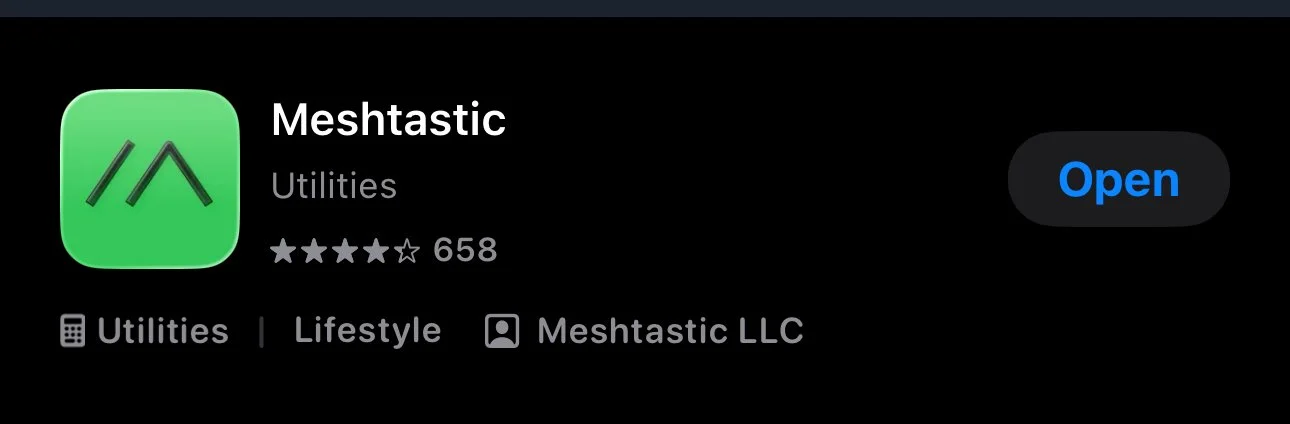
Download the Meshtastic App
Available in both the Apple and Google Store
Connect your node to the app
From here, you can send and receive messages, check the node map, check node vitals, etc